A closer look at the actual Windows editor. These crops were captured in Pre-alpha 0.0.1 on 13 October 2026 using a separate demonstration composition.
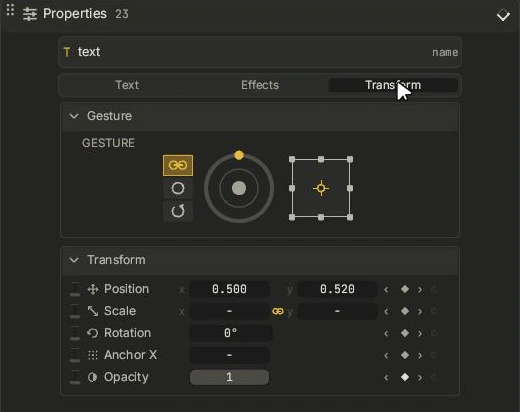
Gesture controls
Shape placement and movement from the Transform tab.
Windows · Pre-alpha 0.0.1 · actual interface capture, cropped for clarity. This is not release, usability or Resolve-parity qualification.
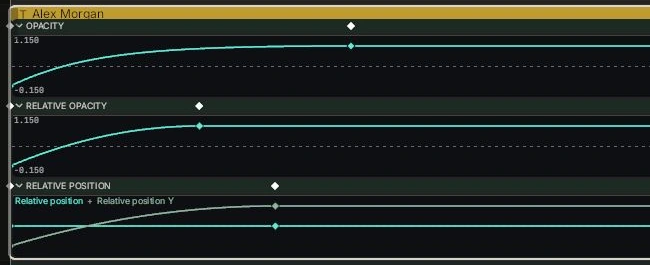
Timeline curves
See keyed motion, easing and the frames between endpoints.
Windows · Pre-alpha 0.0.1 · actual interface capture, cropped for clarity. This is not release, usability or Resolve-parity qualification.
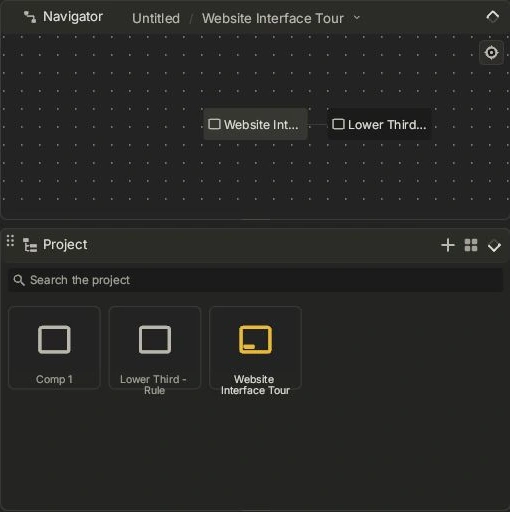
Navigator
Find compositions and follow their shared-source relationships.
Windows · Pre-alpha 0.0.1 · actual interface capture, cropped for clarity. This is not release, usability or Resolve-parity qualification.
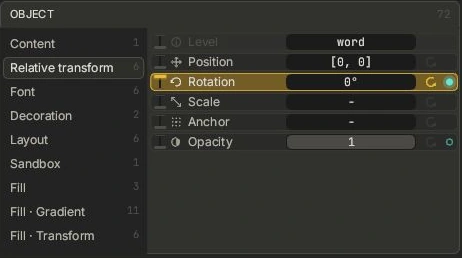
Promotion lever
Bring a useful parameter forward into exposed Controls.
Windows · Pre-alpha 0.0.1 · actual interface capture, cropped for clarity. This is not release, usability or Resolve-parity qualification.
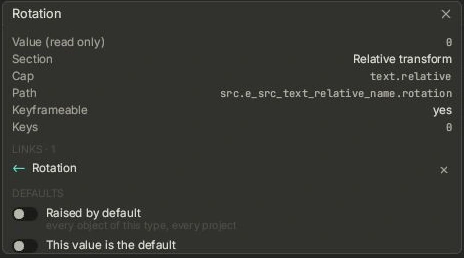
Parameter links
Inspect a real connection in the Basement parameter detail.
Windows · Pre-alpha 0.0.1 · actual interface capture, cropped for clarity. This is not release, usability or Resolve-parity qualification.
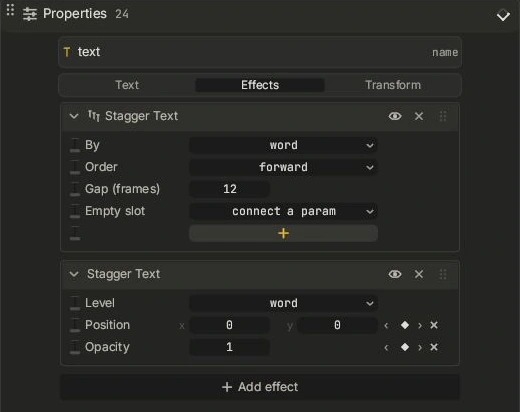
Effect tabs
Inspect Text Stagger and its supported animated inputs.
Windows · Pre-alpha 0.0.1 · actual interface capture, cropped for clarity. This is not release, usability or Resolve-parity qualification.
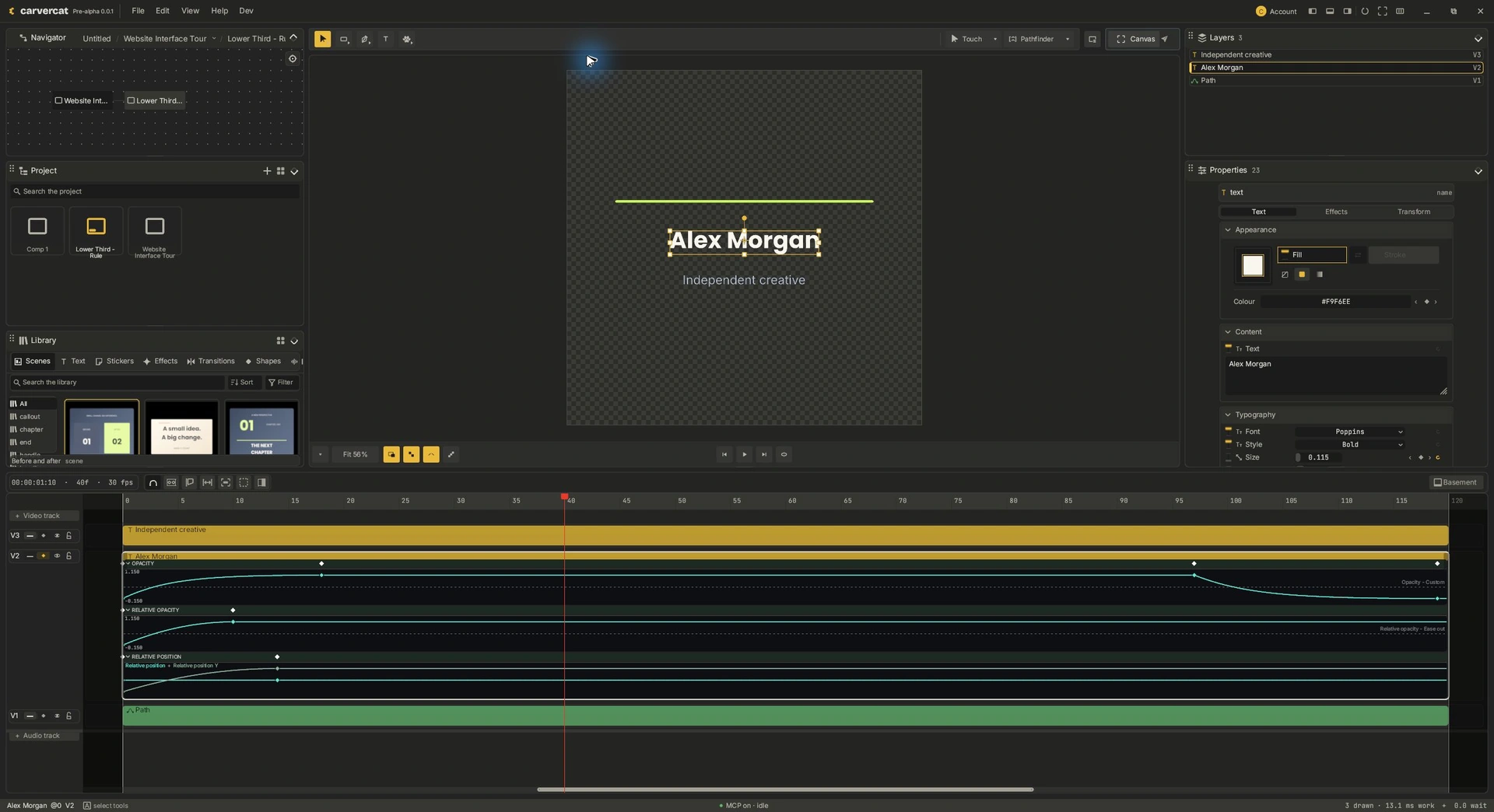
The native workspace
Canvas, properties, library and animation in the installed editor.
Windows · Pre-alpha 0.0.1 · actual interface capture, cropped for clarity. This is not release, usability or Resolve-parity qualification.